

Intelligent Canvas
Bringing product into a marketing page
The details
- Role
- Creative direction, visual design, motion, development
- Company
- Miro
- Year
- 2026
- Timeline
- 1-1/2 weeks
- Status
- Launched
- Stakeholders
- CEO, Head of Product Marketing, Product, Brand
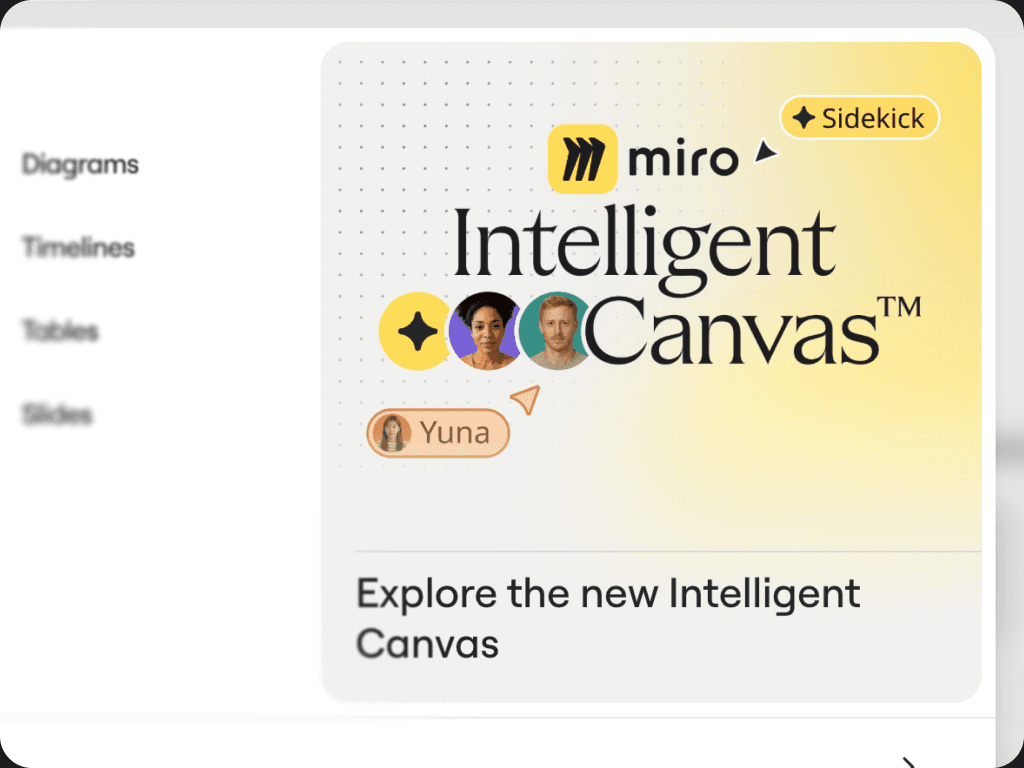
For the launch of Miro's next-generation Intelligent Canvas 2.0, we wanted to create something more compelling than a conventional product landing page.
The challenge was to make the experience feel dynamic and flexible—like Miro’s product—without losing sight of the page's purpose: converting prospective users into active users.
I proposed turning the hero into a semi-interactive Miro canvas, giving visitors an immediate sense of the product through its use cases rather than relying on product statics and descriptions.
Working alongside a fellow designer and web lead, I helped design and build the experience in a 1-1/2 week sprint using Claude Code (Opus 5.5) and Figma MCP.
The page launched October 20, 2026.
Immersion without distraction
Miro is built around an infinite canvas where people and AI work together across different tasks and workflows.
Explaining that flexibility on a traditional marketing page presents a problem: product statics show what a product looks like, but they don't communicate what it feels like.
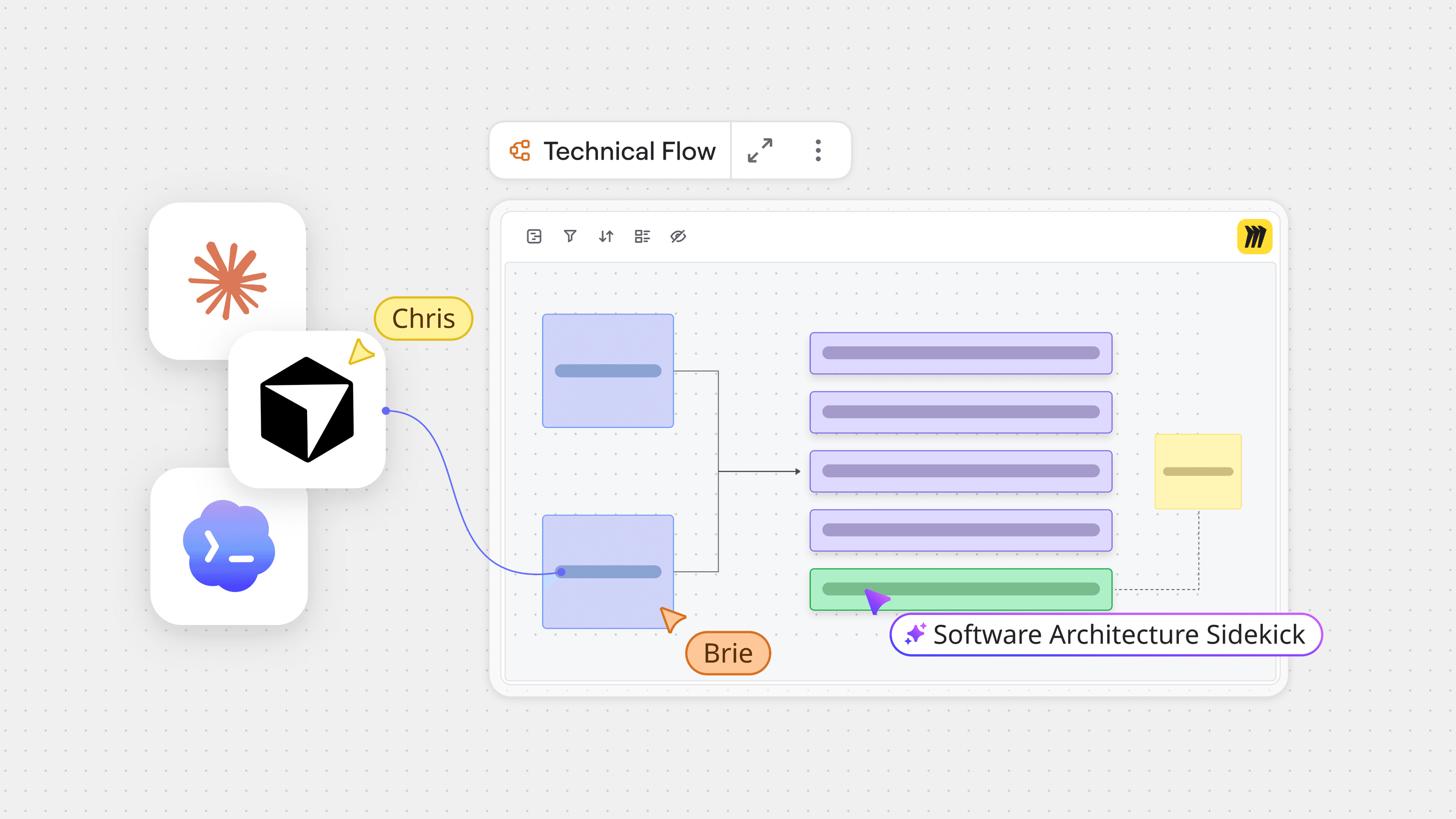
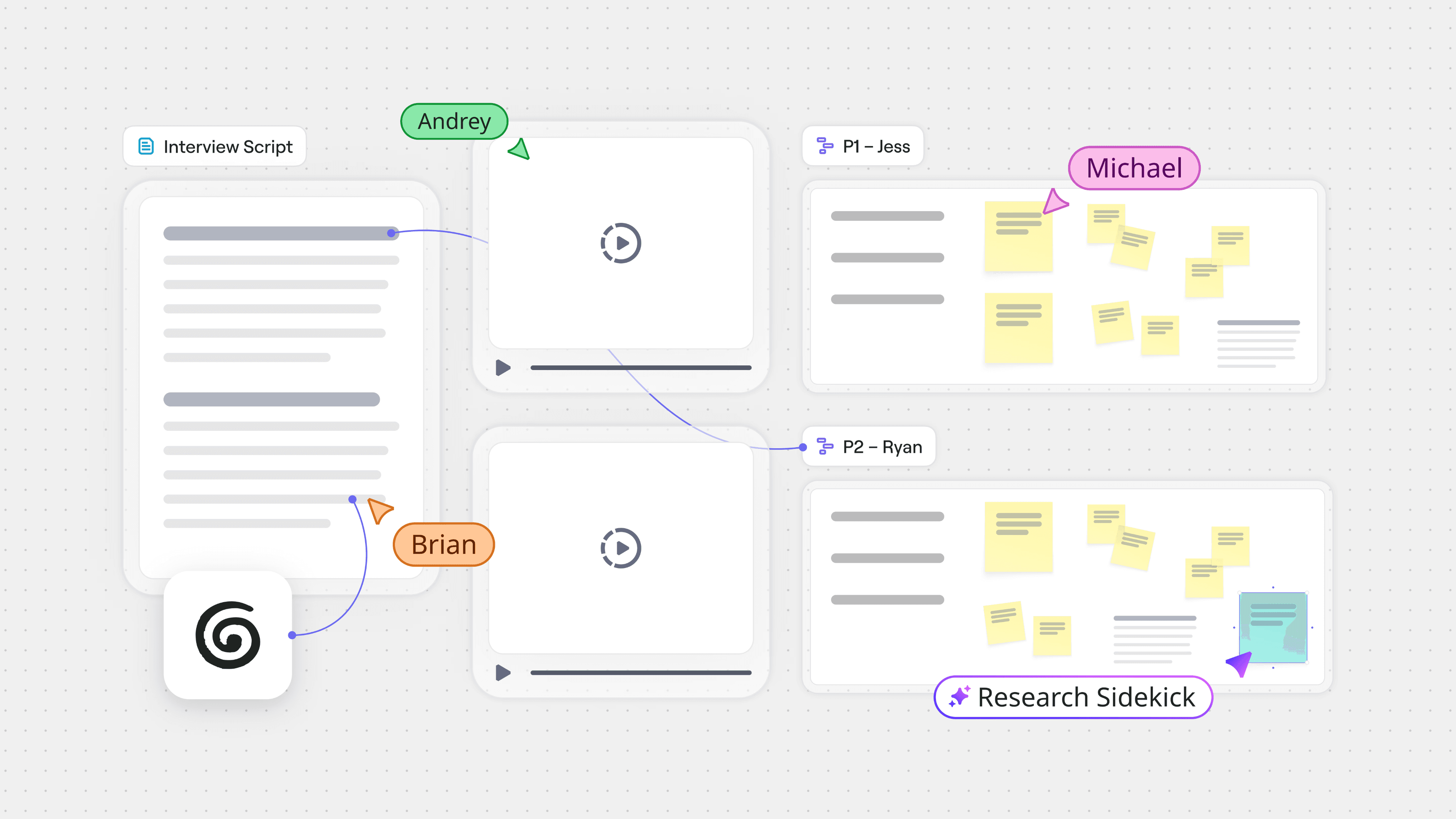
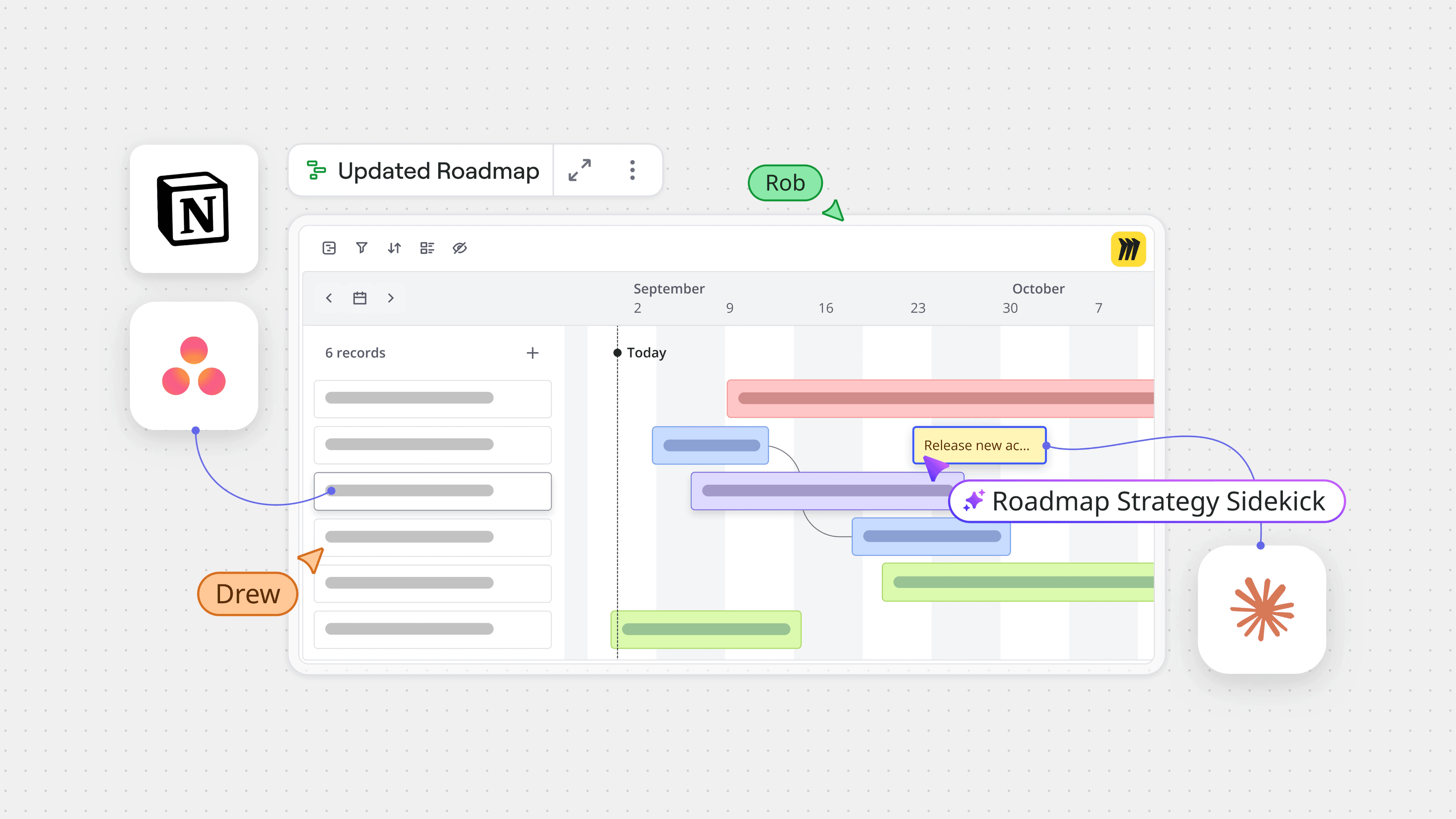
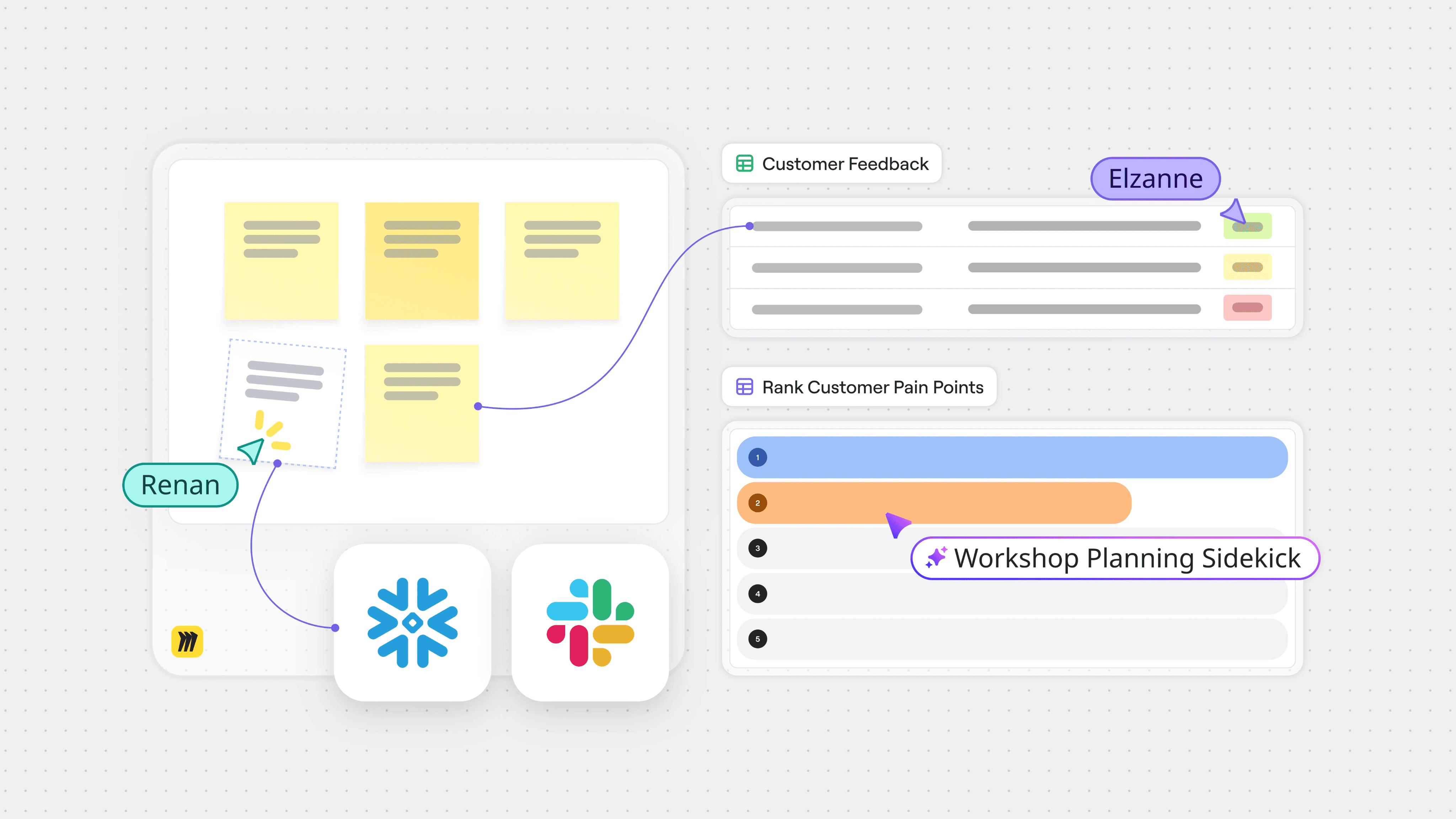
For the Intelligent Canvas launch, Miro's CEO wanted a more immersive and lively experience than our typical landing pages. However, the page did still need to prioritize CRO. It wasn't enough to make the product visually impressive; visitors needed a clear path to try it.
Making the canvas the hero
I proposed making the hero a Miro canvas.
Rather than introducing the product through a product static or conventional feature sequence, visitors encountered an interactive representation of the tool itself.
The canvas moved between different use cases, showing how people could approach their work in Miro and how the product could support a variety of industries and needs.
The concept resonated with leadership and became the foundation of the experience. Working with one other designer, we developed an interactive, scroll-driven hero featuring five use-case animations.
The hero wasn't intended to be a standalone showcase.
Immediately below it, we included a selection of starter prompts that let visitors move from exploring the product to beginning work inside Miro.
This created a progression from understanding what Miro could do to trying it for themselves, without requiring visitors to read through the entire page first.
For those wanting more detail, the rest of the page continued to explain the product's capabilities.
The remaining experience
Beyond the hero, the challenge was translating Miro's product capabilities into motion and interactions that were both engaging and useful, without becoming overwhelming.
I led the visual design, animation, and implementation of several major sections.
Creating anything
This section communicated how Miro transforms different inputs into useful outputs on the canvas.
I created all four animations for this section, using motion to demonstrate transformations that would be difficult to communicate as effectively via product statics.
Connecting tools
Miro's value increasingly depends on connecting context from the tools teams already use.
I handled the visual design, motion, and implementation of this section, creating an experience intended to communicate how disconnected information can become useful context on a shared canvas.
Agents and humans coexisting on the canvas
The Intelligent Canvas also introduced a more collaborative role for AI, allowing agents to participate in work on the canvas.
I designed and implemented this section as well, making the concept more tangible through a unique scrolling experience.
AI as part of the creative workflow
Much of the page was designed and developed using Claude Code alongside Figma MCP.
Figma provided visual references for the brand, while Claude Code gave us a way to work directly with the components, HTML animations, and the behavior of the actual page.
This approach brought visual design and implementation closer together. Instead of treating interactive behavior as something specified entirely in static files and handed off later, we could work directly on the experience in code and polish as we went.
We collaborated through a shared GitHub repo, owning separate sections, but both taking passes at each other’s work to continue perfecting the page. The result was a workflow where creative direction, motion design, and frontend implementation were closely connected.
Concept → launch in weeks
We spent approximately a week planning and 1-1/2 weeks executing the landing page. The work involved repeated stakeholder reviews, with positive feedback from senior leadership, including Miro's CEO and Head of Product Marketing.
The finished page launched publicly on October 20, 2026, as part of the broader Intelligent Canvas 2.0 launch.
Conclusion
The most important contribution wasn't any single animation or interaction. It was establishing a concept for the page experience, which served both brand and marketing objectives.
I brought the project together through creative direction, motion design, frontend development, and AI-assisted workflows.
The Intelligent Canvas 2.0 landing page represented the kind of work where brand design goes beyond how something looks and shapes how someone encounters, understands, and uses a product.
Credits
The other designer and I collaborated on the overall page design and development, sometimes working on separate sections and sometimes on different animations within the same section. I directed and concepted the canvas hero concept; my colleague created three of its five use-case animations. I created all four animations in the “Create anything” section and handled visual design, motion, and implementation for the “Connect your tools” and “Any agent” sections.